Tips and Tricks: How to Save Photos from Instagram
Greetings to all visitors! In this post, I will discuss a topic that many people find confusing: how to save photos from Instagram. Many users want to save important or beautiful images they find on the platform but aren’t sure how. Today, I’ll share a reliable method using browser tools. Let’s dive right into the tutorial!
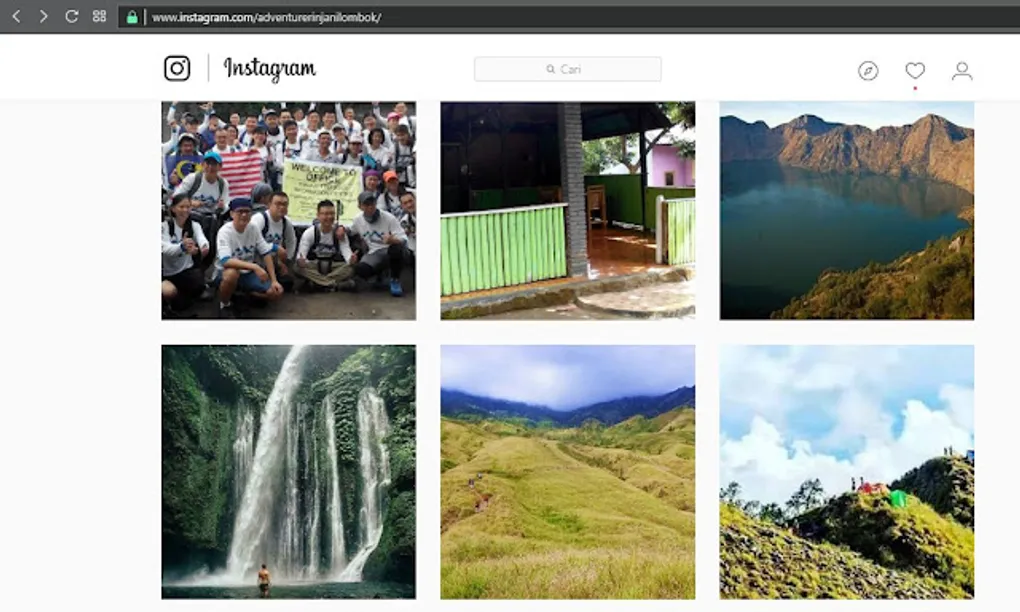
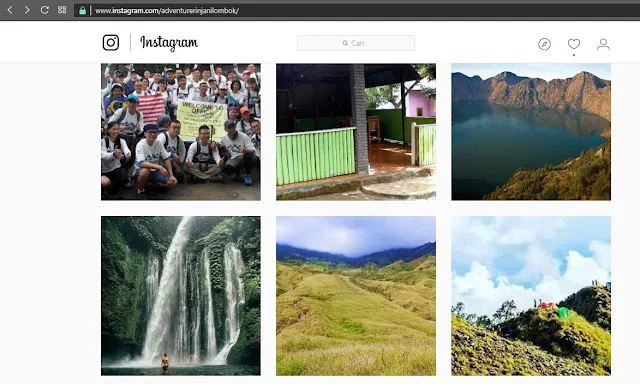
Step 1: Log In to Instagram Web
First, visit www.instagram.com on your computer. You can log in using your Facebook account or your email address. If you don’t have an account yet, you can sign up on the same page.
 |
|---|
| Log in to your Instagram account |
Step 2: Select the Photo
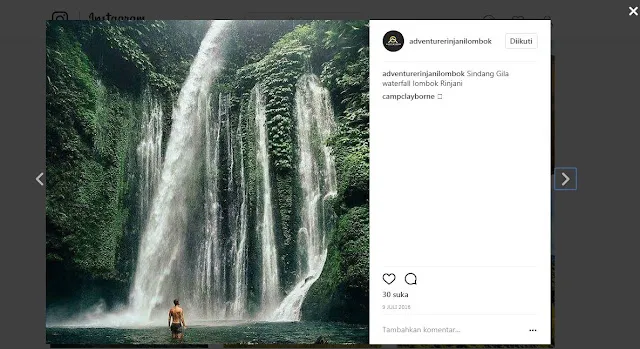
Find the photo you want to save. For this example, I’ll choose a waterfall image from the adventurerinjani account. Click on the image to open its detailed view.
 |
|---|
| Open the photo you want to save |
Step 3: Inspect the Element
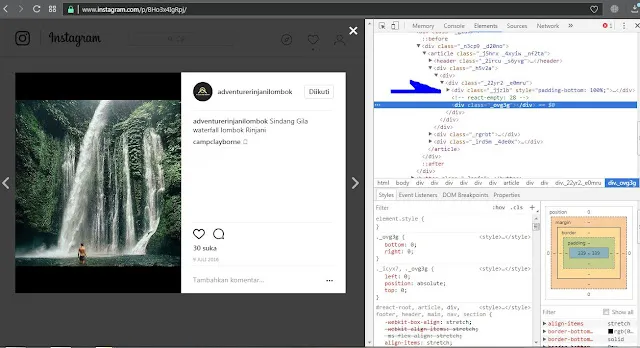
Right-click on the image and select Inspect (or Inspect Element). Alternatively, you can press CTRL + SHIFT + C on your keyboard. This will open the developer tools panel on the side or bottom of your screen.
 |
|---|
| Opening the Developer Tools |
Step 4: Locate the Image URL
In the developer panel, you’ll see a lot of code. Look for a blue highlighted section. Just above it, you’ll see a small arrow or a <div> tag that contains the image link. Click to expand it if necessary.
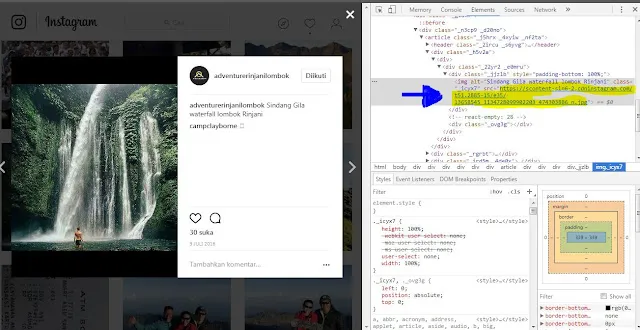 |
|---|
| Locating the image source URL |
Step 5: Copy and Open the Link
Double-click the image URL (it usually starts with https://scontent...). Once the link is highlighted in blue, press CTRL + C to copy it. Paste this link into a new tab in your browser.
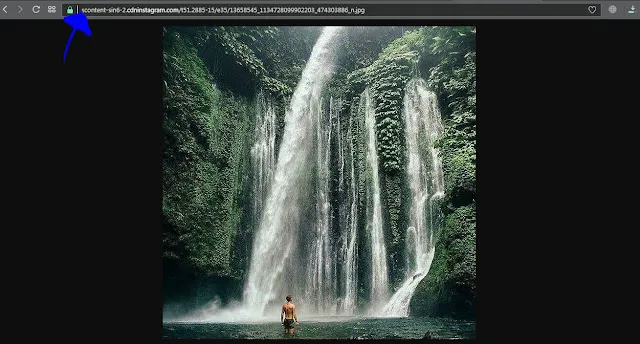 |
|---|
| The photo appearing in a new tab |
Step 6: Save the Image
Now that the photo is open in its own tab, simply right-click it and select Save Image As…. Choose your destination folder, and you’re done!
I hope this helps those of you who were struggling to save your favorite Instagram photos. Good luck, and feel free to leave a comment below if you have any questions!