Logo Design Using Photoshop CS5
Welcome back to Kuasai Teknologi! This time, I’ll discuss How to Design a Logo Using Photoshop CS5. Before we proceed, make sure you’ve read about the use of various tools in Photoshop CS5, as covered in our previous post: Getting to Know Frequently Used Tools in Photoshop CS5. If you’re not yet familiar with them, I recommend visiting that article before attempting to design a logo.
Now, let’s dive into the logo design steps:
!!! Note: I am designing this logo using image sources from Google !!!
Step 1: Import Images
Insert the images you want to design or combine. Here, I’m using 3 images that I will merge into a single logo. Before merging, we need to edit them to ensure they look neat and “wow.”
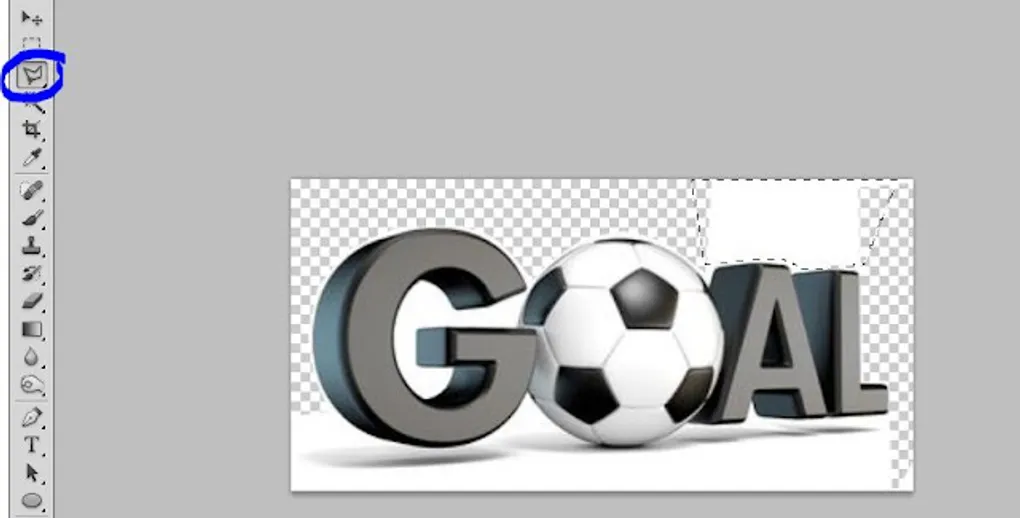
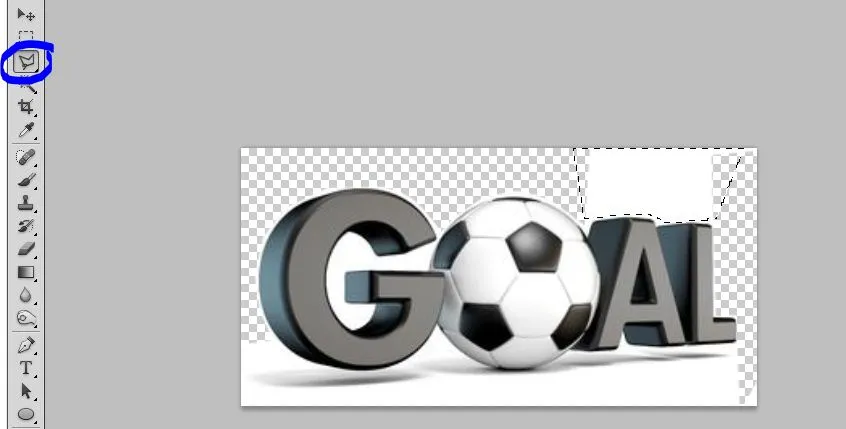 Image 1
Step 2: Cutting and Merging
In the image above, I use the selection tools to clean up the main image so it looks neat when we move it later. Once the editing is done, we’ll merge Image 1 into Image 2. Ensure you have the selection tool active, then click and drag the image into the second one as follows:
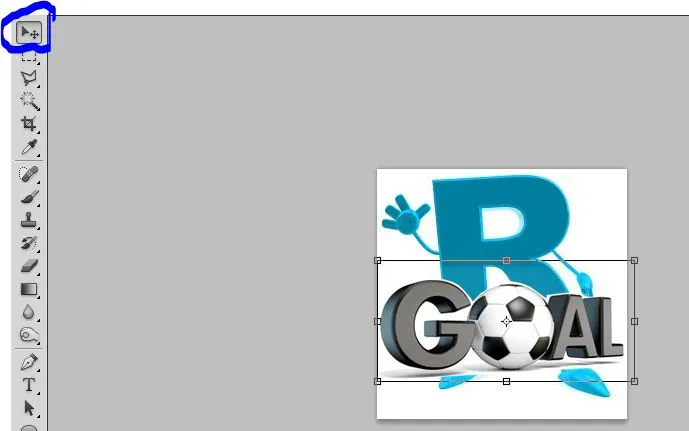 Image 2
Step 3: Adjust Positions
Adjust the combined images according to your preference to ensure they look good and organized. I’ve placed the image at the bottom of the “R” as shown below:
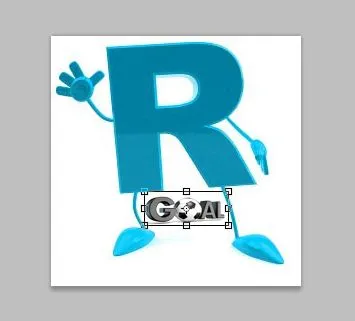 Image 3
Step 4: Final Merging
After the first two images are united, move back to the next image you want to combine. Repeat the steps: edit first, then merge and adjust the position. You can see the result in Image 4 below:
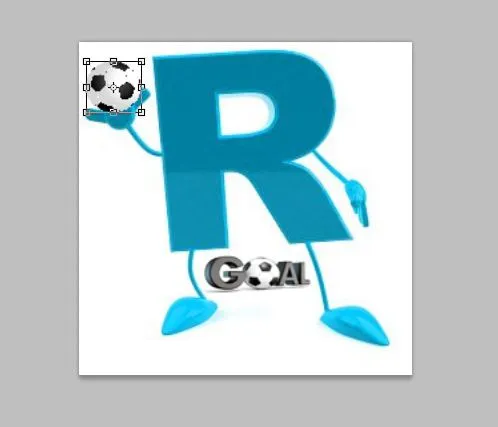 Image 4
Step 5: The Finished Logo
That is the logo I wanted! I plan to use it for a YouTube channel reviewing soccer goals. It’s important to remember:
!!! When creating a logo, make sure each element has its own meaning !!!
The meanings behind this logo are as follows:
- Goal under the R: Because the position of the legs resembles goalposts.
- Ball: Because the ball is being caught by a goalkeeper’s hands.
- The ‘R’ has arms and legs: Because humans have arms and legs to kick and catch the ball, I chose this to symbolize a person.
That’s the explanation for the logo design. I hope this article is useful for you all! Thank you for visiting.