Learning Design Using Adobe Photoshop CC 2017
Learning Design Using Adobe Photoshop CC 2017 – Hello fellow designers! This time, I’ll discuss learning design using Photoshop CC 2017. It’s important to note that Adobe Photoshop CC is quite different from other versions like Adobe Photoshop CS4, CS5, CS6, etc.
The Adobe Photoshop CC interface is fairly simple but capable of producing top-tier quality with various provided effects. You can also use 3D effects, though you’ll need to download the specific types of 3D assets you need, such as 3D Text, 3D Images, etc.
Many designers use Adobe Photoshop CC because its diverse effects make our designs look cool and perfect. I’ve also tried using this version for learning design, and the image below is the first result I produced with Adobe Photoshop CC.
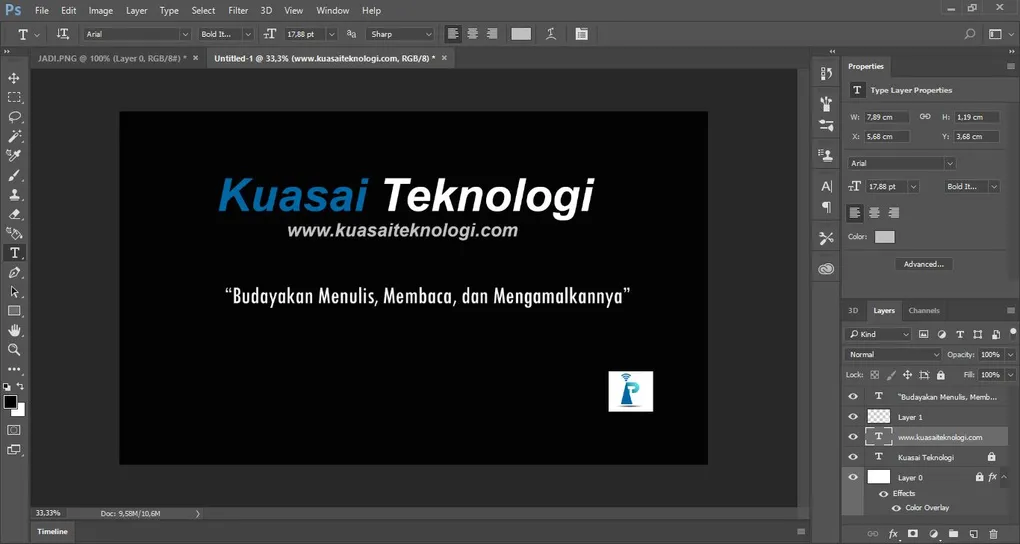
I attempted to design a banner for the Kuasai Teknologi Facebook page. If you haven’t followed the page yet, please do! Back to the topic: the image below shows the design process.
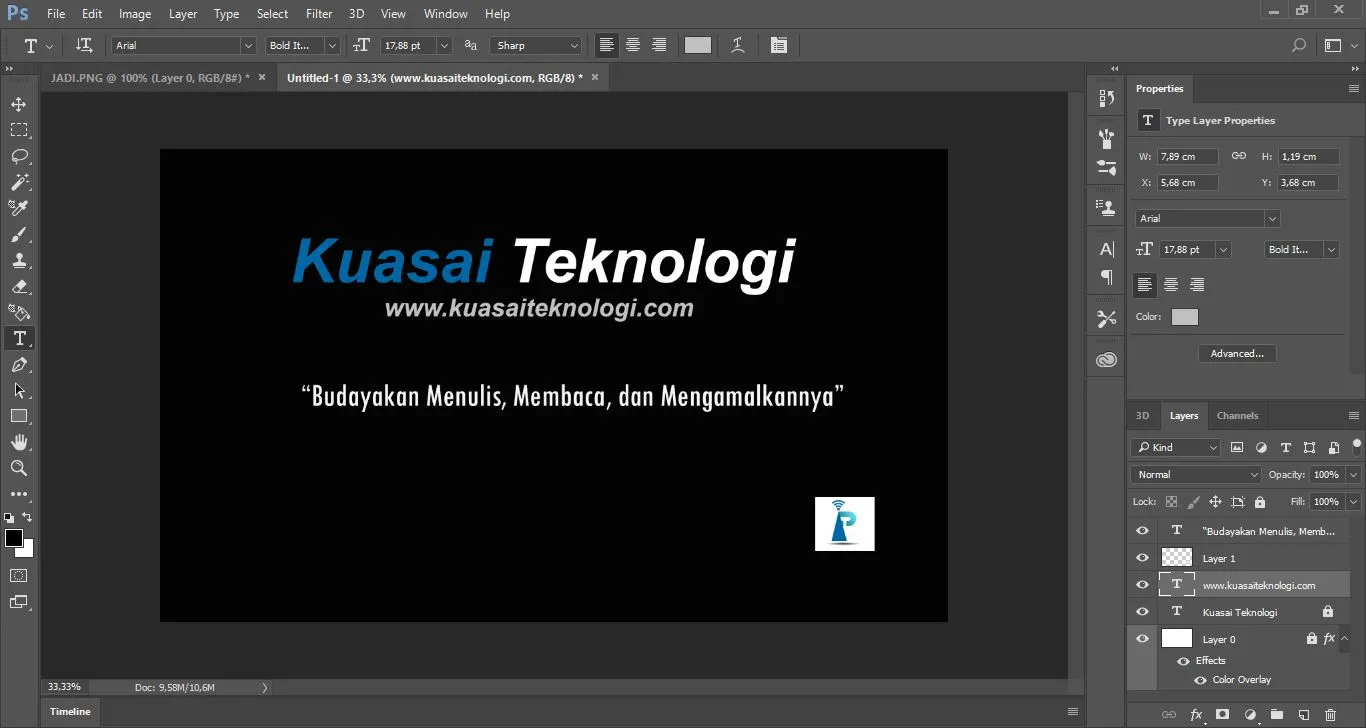
The image above shows the Adobe Photoshop CC interface with the banner I’m currently designing. I intentionally kept it simple since I’m still in the learning phase.
Explaining design through an article can be tricky because it requires many screenshots. Usually, people understand design methods faster by watching videos rather than reading articles.
The image below is the final result of the banner design:
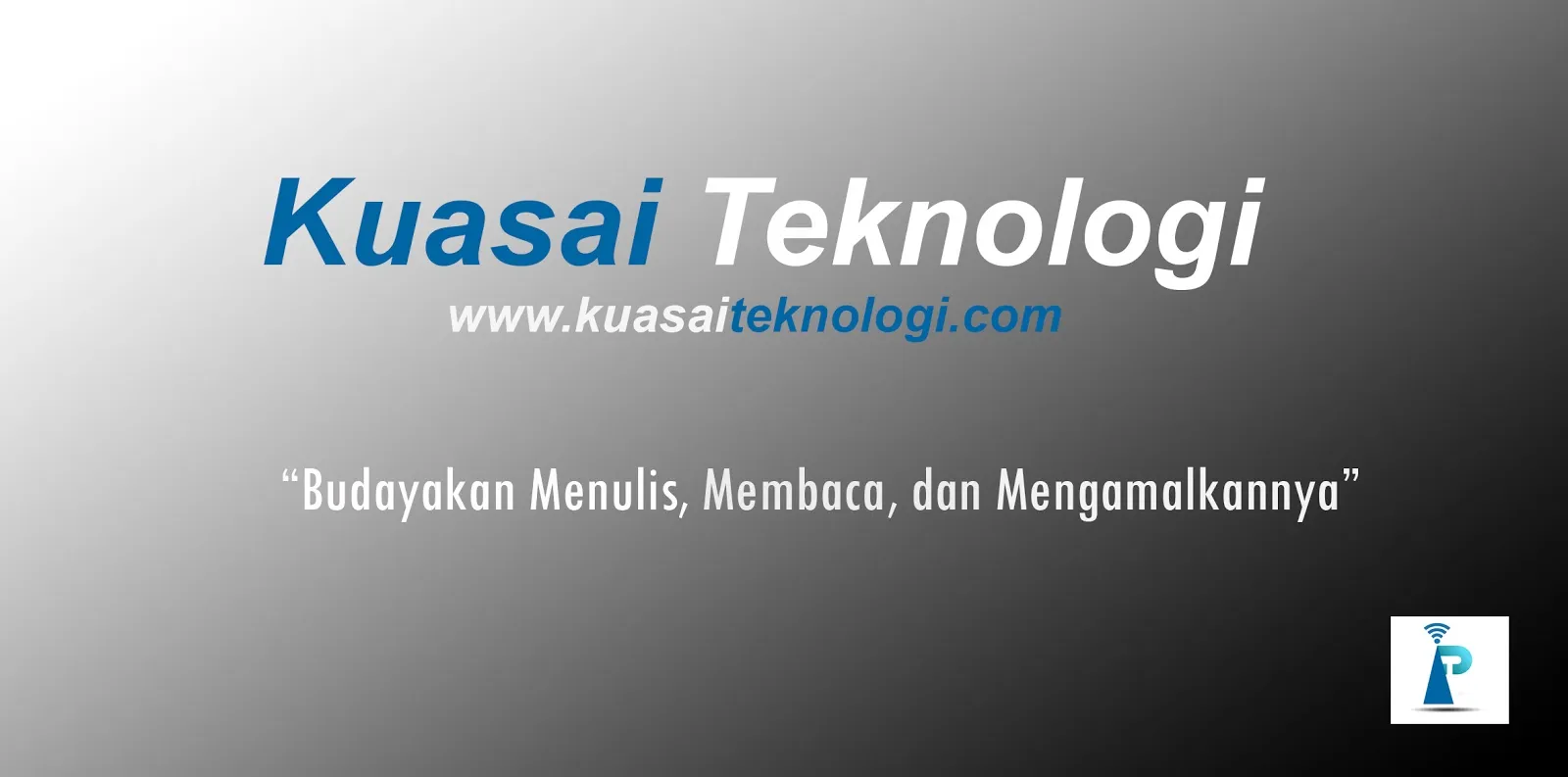
This is the final result of the banner I designed. Initially, I planned to add 3D effects to the banner, but since my laptop still has low specs, I hope you understand the limitations of this “legendary” laptop.
I think that’s all for the explanation on learning design using Adobe Photoshop CC 2017. Hope this is useful!